Switching from Windows 11 to Fedora
Windows 11 is too buggy — time to switch the home machine to Linux
The situation
- Windows 11 on my old student-days laptop is pretty broken: touchpad glitches, driver issues, …
- I’m too lazy to fix these bugs — the more I patch, the worse it gets. Fix a driver, three days later it breaks again, ugh :v
- I don’t have many heavy tasks on this laptop lately, so why not try a Linux distro for fun hehe
Research
- One lap around the internet and everyone suggests a different distro for every need and spec @@.
- I checked dual-booting Win + Linux, but people say a failure can wipe your data, so I just nuked Windows entirely :v
- Oh wait, looks like I need a USB stick to make a boot drive. Shoot, I gave away all my spare USBs with music for my brother earlier — dug around forever and found one spare, plugged it in, 4GB capacity
- Downloaded the Ubuntu ISO and it’s way too heavy (~5GB or so). Never mind, looking for something else
- Oh, Fedora looks pretty decent from what people suggest, not too hardcore. Downloaded it and flashed it onto the USB
Installation
- Opened the BIOS on this ancient Dell, followed some YouTube tutorials and finally got it installed — looks quite slick
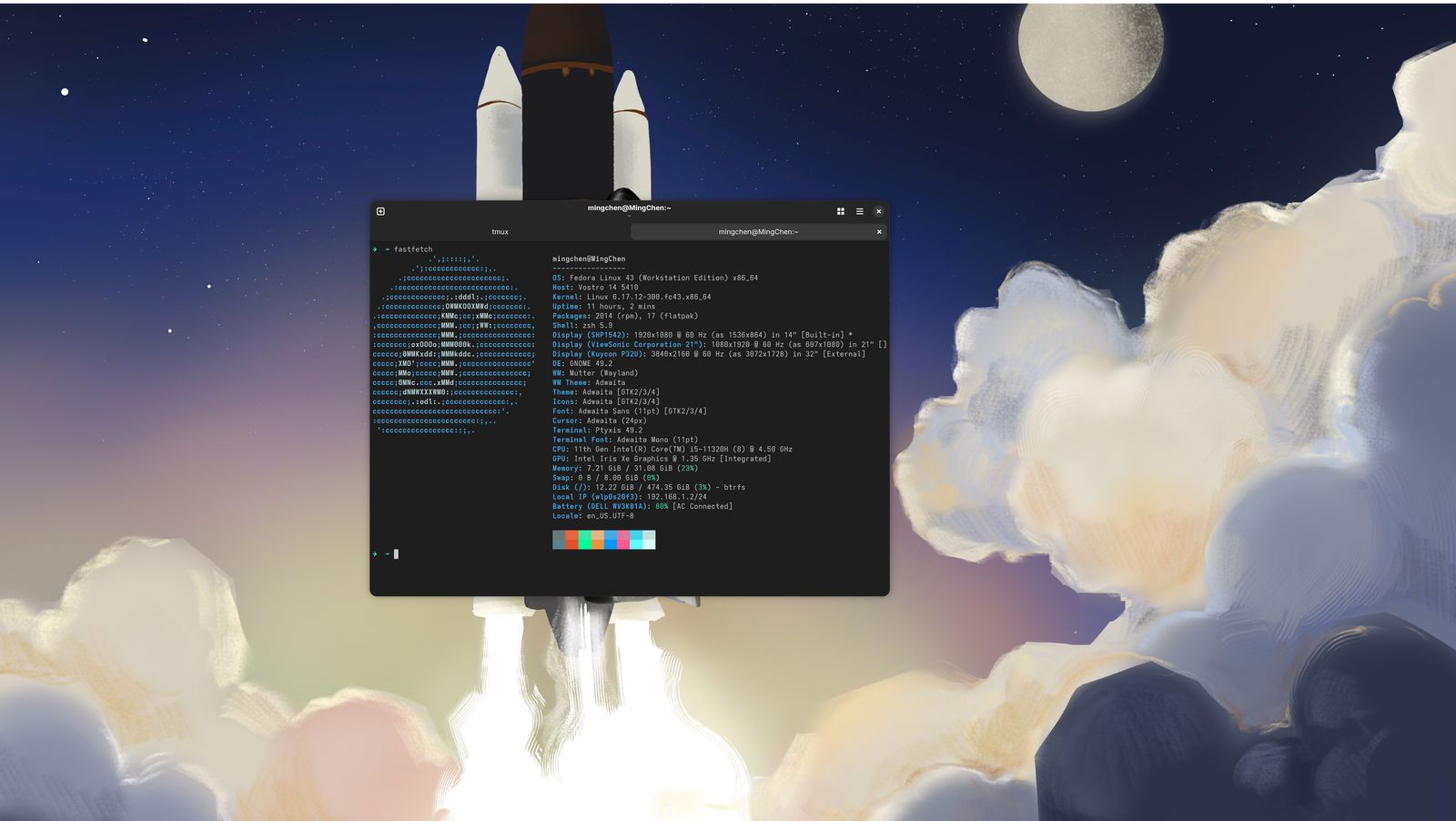
- Poked around and found the touchpad too fast; googled a bit and this post helped me fix it partway https://ubuntuhandbook.org/index.php/2023/05/adjust-touchpad-scrolling-ubuntu/
- One annoyance: GNOME Settings still doesn’t let you configure two-finger touchpad scrolling, so I’ll live with the workaround for now.
- Spent a while fiddling with Vietnamese input and finally got it working — some IME called Bamboo, a name that sounds Vietnamese just like Bamboo Airways hehe
Wrap-up
- A day off well spent tinkering, making the old laptop smooth again. Everyday stuff like browsing, jotting notes and opening a browser works nicely now — the only loss is a few Windows-only apps like Rekordbox for DJ mixing (using the phone app for now)
Comments